How It Works
Create professional content in three simple steps
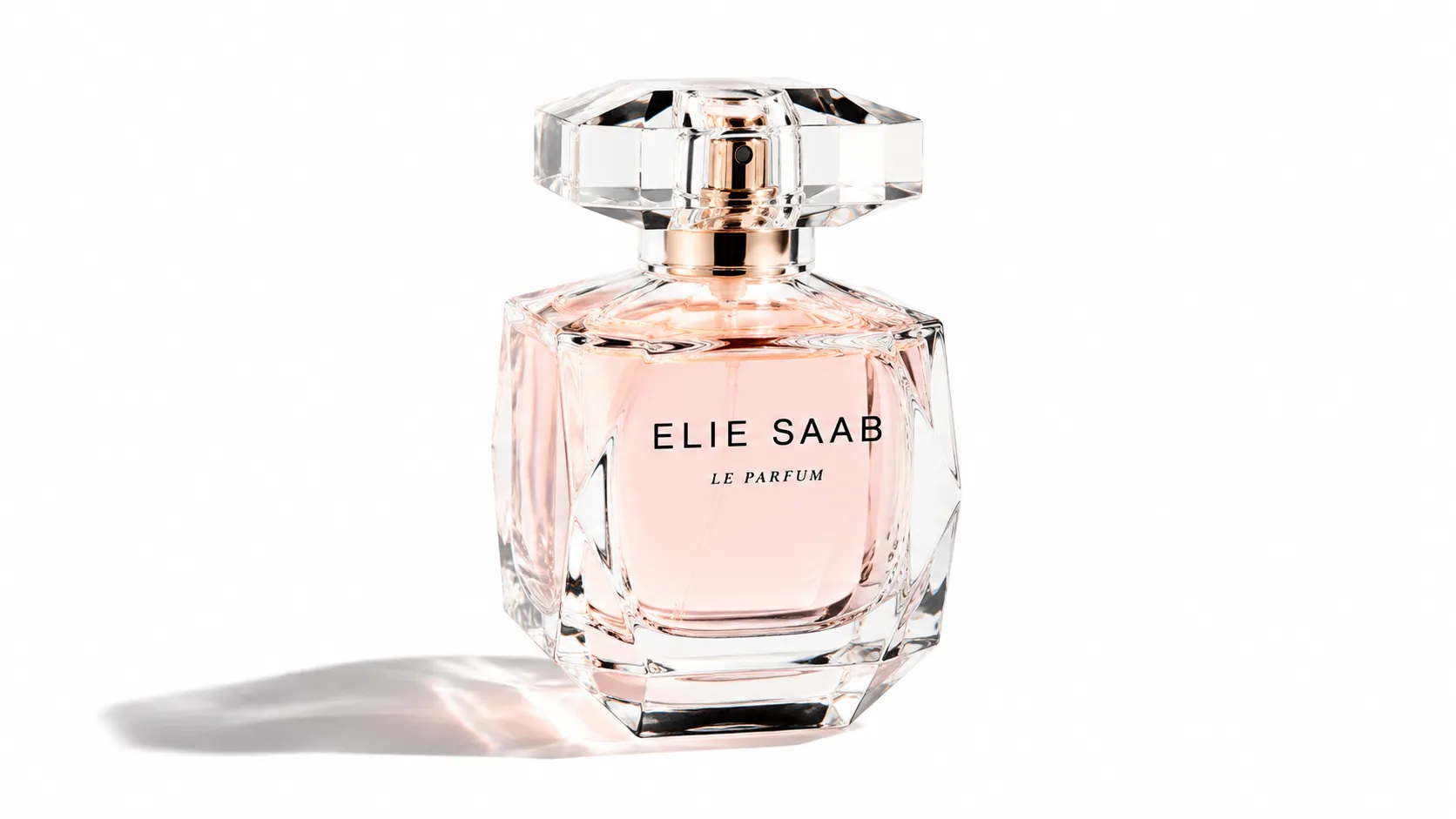
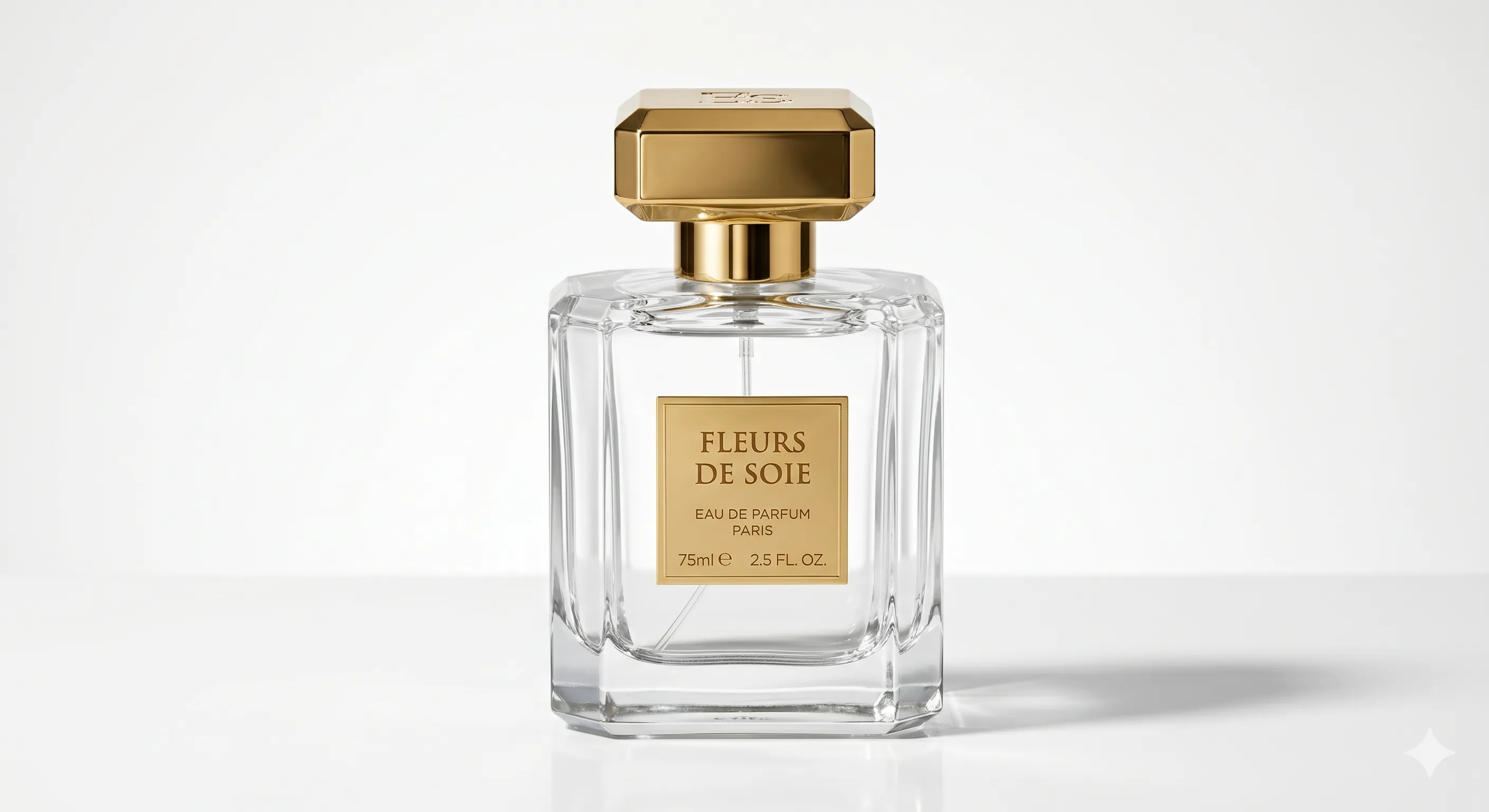
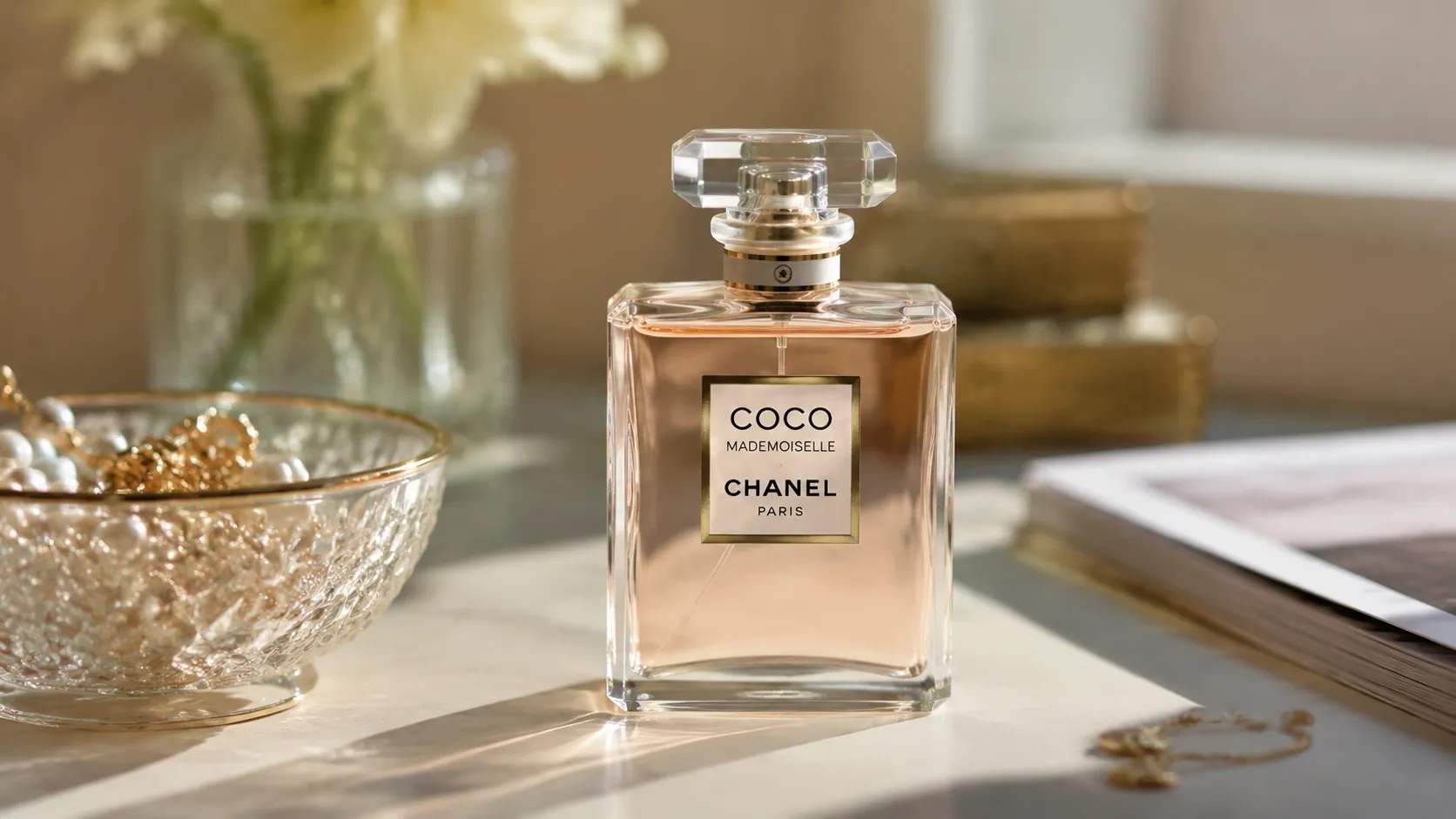
Choose Text-to-Image or Image-to-Image mode
Enter your prompt or upload a reference image
Generate and download your watermark-free image
Frequently Asked Questions About AI Image Generator
What models are available for image generation?
Muravid offers GPT Image 2 (OpenAI) and nano-banana-2 (Google) series. Each model has distinct characteristics — GPT Image 2 excels at precise instruction following while nano-banana-2 offers fast generation with excellent detail preservation.
What image formats are supported?
We support JPG and PNG formats for both input and output. The generated images can be downloaded in your preferred format and are ready for immediate use across platforms.
What resolutions can I generate?
GPT Image 2 supports up to 1K resolution by default, with 2K and 4K available on VIP plans. nano-banana series offers up to 4K resolution depending on the specific model variant selected.
How long does image generation typically take?
Generation time varies by model and server load. GPT Image 2 typically completes in 5-15 seconds, while nano-banana-2 models generally finish in 10-30 seconds.
Do generated images have watermarks?
No, all images generated on Muravid are completely watermark-free. You retain full commercial rights to use, modify, and distribute your generated images.
Can I use reference images for Image-to-Image mode?
Yes, Image-to-Image mode allows you to upload a reference image to guide the AI generation or transform existing images while keeping the main subject recognizable.
Materials Library
No materials yet
Save your favorite prompts to reuse them later